PacoMouse
PacoMouse

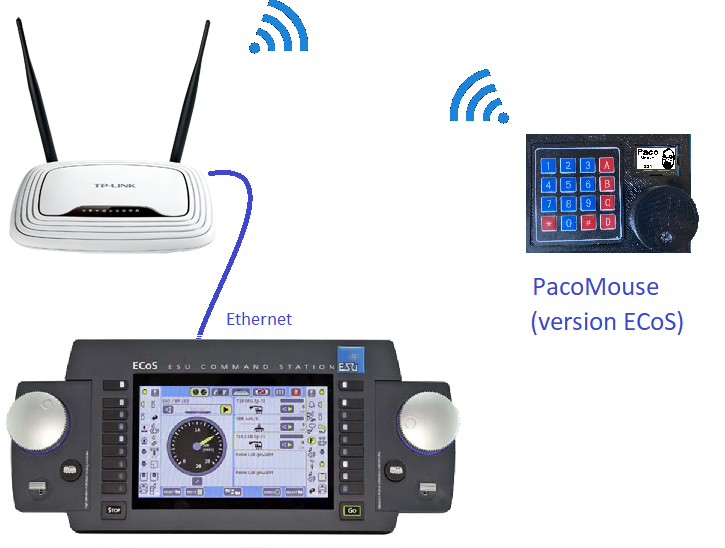
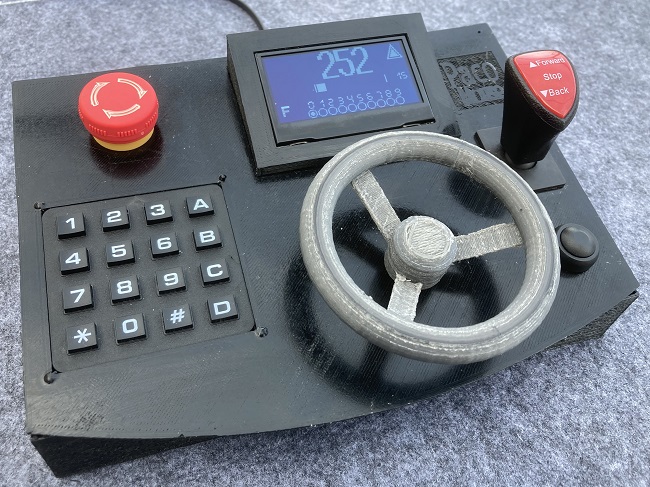
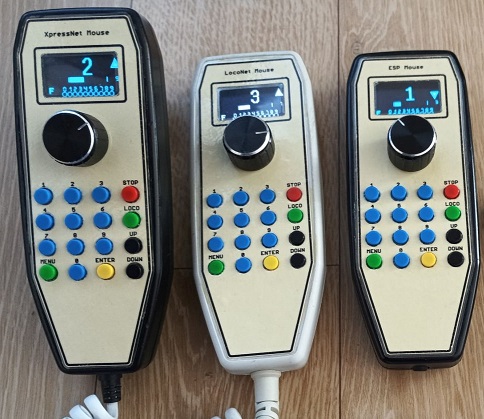
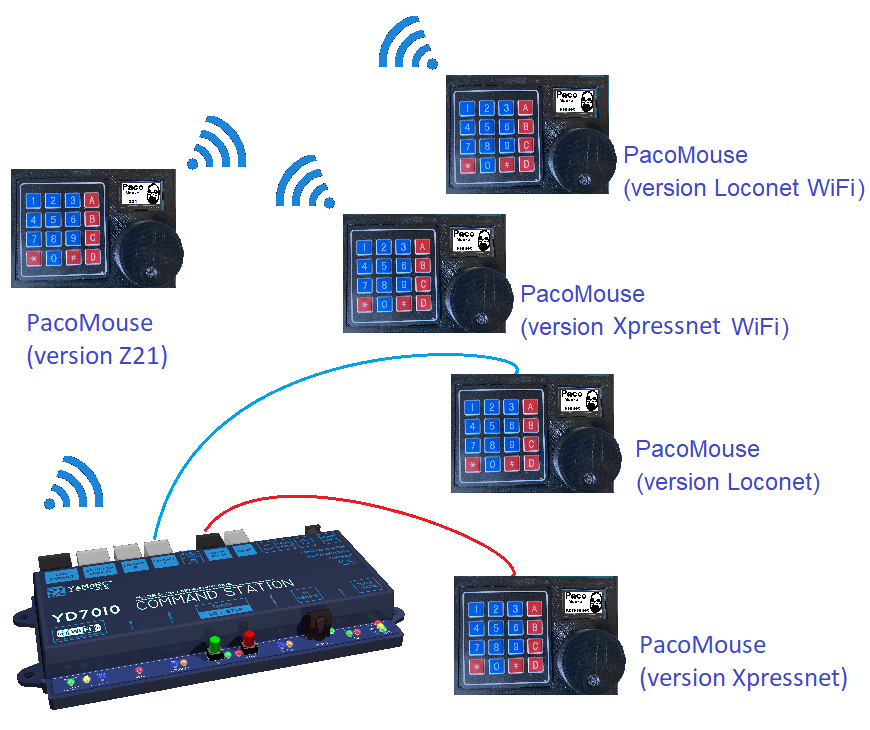
PacoMouse is a simple additional throttle to control our model layout. It can be mounted in different versions with Loconet or Xpressnet connection, or WiFi connection with Z21, ECoS, Loconet over TCP or Xpressnet LAN protocols.

Based on an Arduino Nano (also Uno or Pro Mini) for the Loconet or Xpressnet versions or a Wemos D1 mini (ESP8266) for the Z21, Loconet, Xpressnet or ECoS WiFi versions, it has an EC11 type rotary encoder with a push button, a 3x4 or 4x4 keyboard and an SSD1306, SH1106 or SSD1309 OLED screen (sizes 0.96", 1.3", 1.54" or 2.42").


Features common to all versions:

✔ Locomotive selection (1 to 9999).

✔ Function control F0 to F28.

✔ Maneuver mode for precise stopping.

✔ Stack of locomotives.

✔ Option for lever switch direction control.

✔ Turnout control (1 to 1999).

✔ Control of digital turnables with type 7686 or F6915 controllers.

✔ Automatic control of a shuttle train.

✔ CV programming in programming and main tracks.

✔ Direct programming of the main CVs.

✔ Bit programming of CVs.

✔ Identify the name of the most common manufacturers when reading the CV8.

✔ Locking of some features for guest or club use.


Specific features of each version:

✔ Loconet: Locomotive Dispatch.

✔ Loconet: Phone Dispatching: Automatic transfer of locomotives between two PacoMouse.

✔ Loconet: Command station selection for correct control of functions F9 to F28..

✔ Loconet: LNCV programming.

✔ Loconet (WiFi): Loconet over TCP/IP (LBserver & Binary)

✔ Loconet (WiFi): Automation.

✔ Xpressnet: Accessory addressing according to Roco or RCN-213.

✔ Xpressnet: Automation.

✔ Xpressnet (WiFi): Setting Fast Clock.

✔ Z21: WiFi and IP selection.

✔ Z21: Maximum short address selection for locomotives.

✔ Z21: Accessory addressing according to Roco or RCN-213.

✔ Z21: Automation.

✔ Z21: Setting Fast Clock.

✔ Z21: Funny mini Games.

✔ ECoS: WiFi and IP selection.

✔ ECoS: Show locomotive names.

✔ ECoS: Automation.

✔ ECoS: Funny mini Games.


PacoMouse
PacoMouse

Assemble the version of PacoMouse according to the bus that your command station uses:

Central Loconet Xpressnet Z21 ECoS Loconet WiFi Xpressnet WiFi
Lenz LZV100, LZV200 (✔*)
DR5000, YD7001
Z21 (black)
z21, z21 start (white)
Multimaus (✔*)
Intellibox I, TwinCenter
Intellibox II
Intellibox 2neo
Digitrax
NanoX-S88 (✔*)
ECoS, ECoS2, CS1R
Märklin CS1 (v2.0.4)
JMRI

(✔*) Need Lenz 23151 interface and a WiFi router


Customize your PacoMouse to your liking with a few simple steps:


1 - Choose between the available keyboards and screens:

PacoMouse

2 - Create your own case for it:

PacoMouse
PacoMouse
PacoMousePacoMouse

3 - Assemble the version that your command station needs

PacoMouse

4 - Install the necessary libraries for the operation of PacoMouse in the Arduino IDE.

5 - Check the assembly of your PacoMouse comfortably from the Serial Monitor by uploading the test program to the Arduino.

PacoMouse

6 - Configure your PacoMouse by changing the different options in the config.h file before uploading the program to the Arduino:

PacoMouse

✔ Choose the type of presentation that you like the most: Presentation of functions in large or small format, show speed steps on one side or the other of the speed bar, the accessories icon.

PacoMousePacoMouse

✔ Choose the language of the menus:


7 - Upload the program to the Arduino and enjoy your PacoMouse.


This software and associated files are a DIY project that is not intended for commercial use. Sources are only provided to compile and load on the device. You are not allowed to modify or fork/publish the source code of this project.

COMMERCIAL USE IS PROHIBITED.

You can download the manual and the program of PacoMouse here.

This design is available as a GitHub repository


Changelog:


Version Date Description
v0.25 26may24 First published version
v0.29 23feb25 Support for ECoS, Loconet over TCP, Xpressnet LAN and touchpad. Automation
v0.30 27sep25 Option for lever switch direction control. Added Czech language
v0.31 09mar26 Corrected bug using 3 position switch on ESP8266